How to Connect to Datenshi
Datenshi is an osu! private server. To play on it, you point your existing osu!.exe at Datenshi's servers instead of the official osu! (Bancho) servers using a launch parameter — no separate client install is required. This guide covers both a video walkthrough and step-by-step screenshots.
Video Tutorial
Image Tutorial
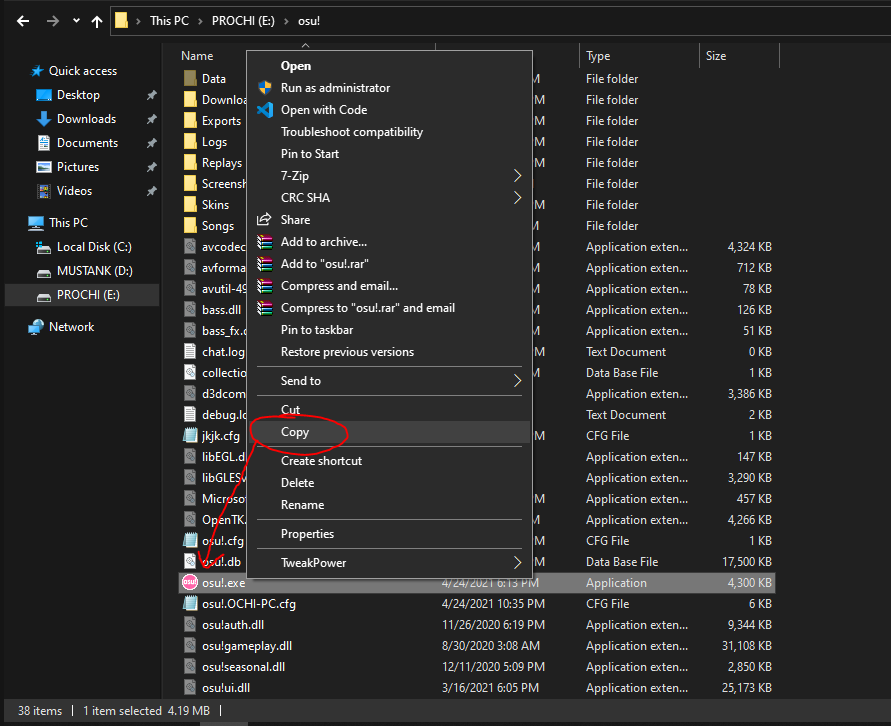
1. Copy the osu!.exe application from your osu! folder. The default install location is inside the Program Files folder on your C: drive.
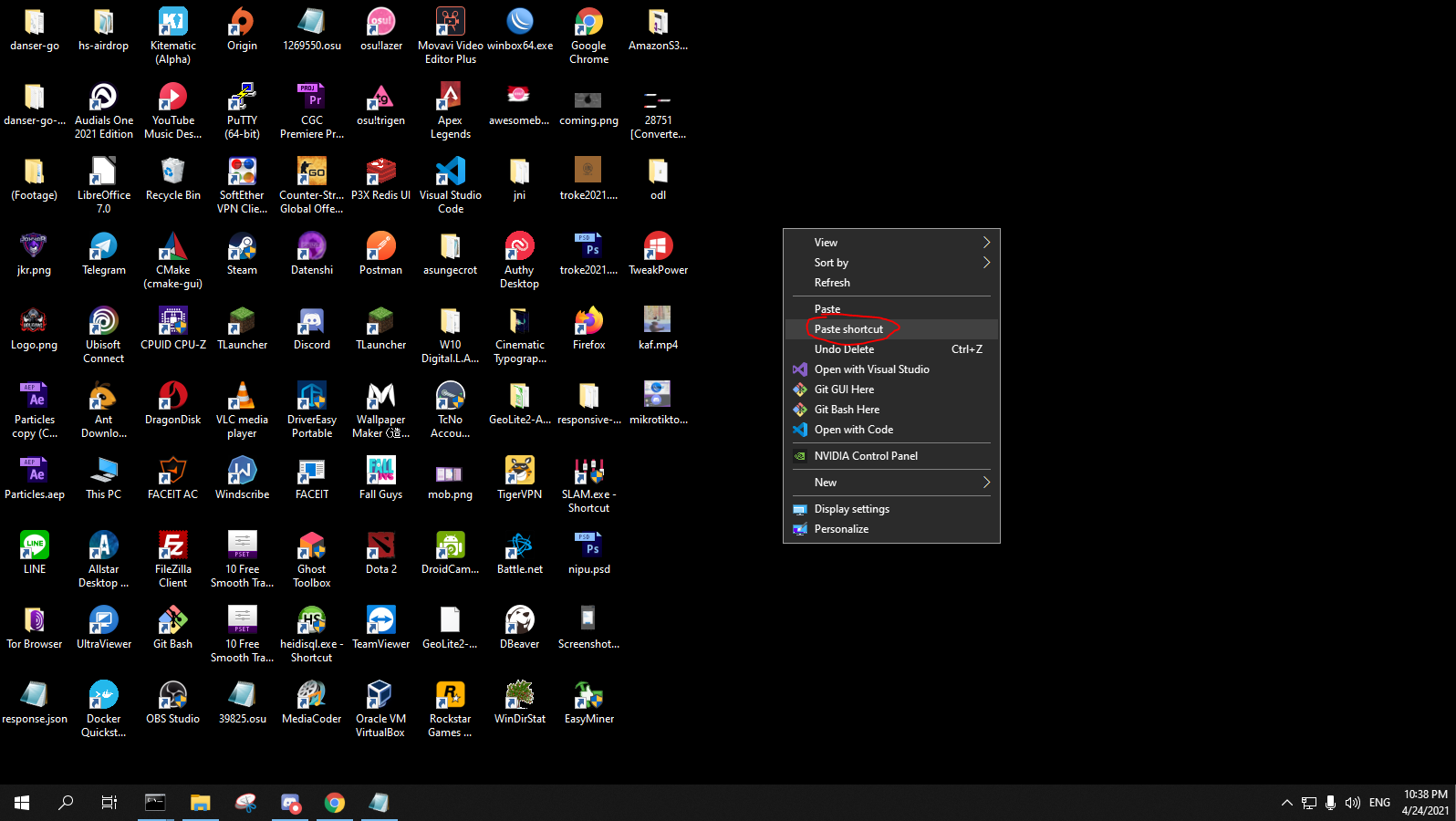
2. Right-click and press "Paste shortcut" anywhere you like for easy access to Datenshi.
* You can skip steps 1 and 2 by creating a shortcut to osu!.exe directly and moving it wherever you want.
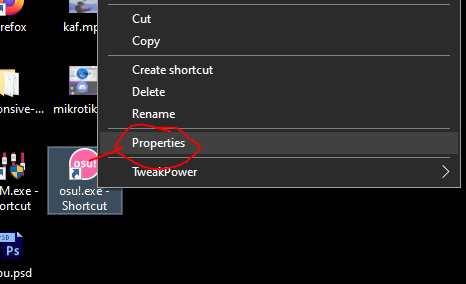
3. Right-click the shortcut you just created and press Properties.
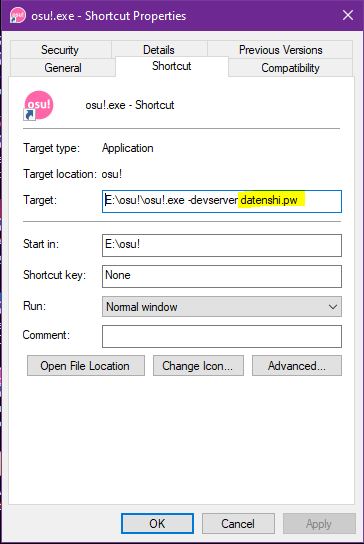
4. In the Target box, add -devserver datenshi.pw at the end, as shown in the picture below.